
Table Import & Export
How table imports and exports flow through File Storage, why exported tables may be sliced, and how to export a merged file from the table detail.
All tables imported to and exported from Storage go through Files.
When a table is imported into Storage by any means (manually, through a data source connector, or as a result of running an application), the CSV file is first stored in Files and only then imported to an actual table. This means that the Storage Files contain a history of data uploaded to the Storage Tables. It is useful mainly in the two following cases:
- Reverting table content to a particular imported version
- Analyzing how something got into a table (useful mainly for incremental loads)
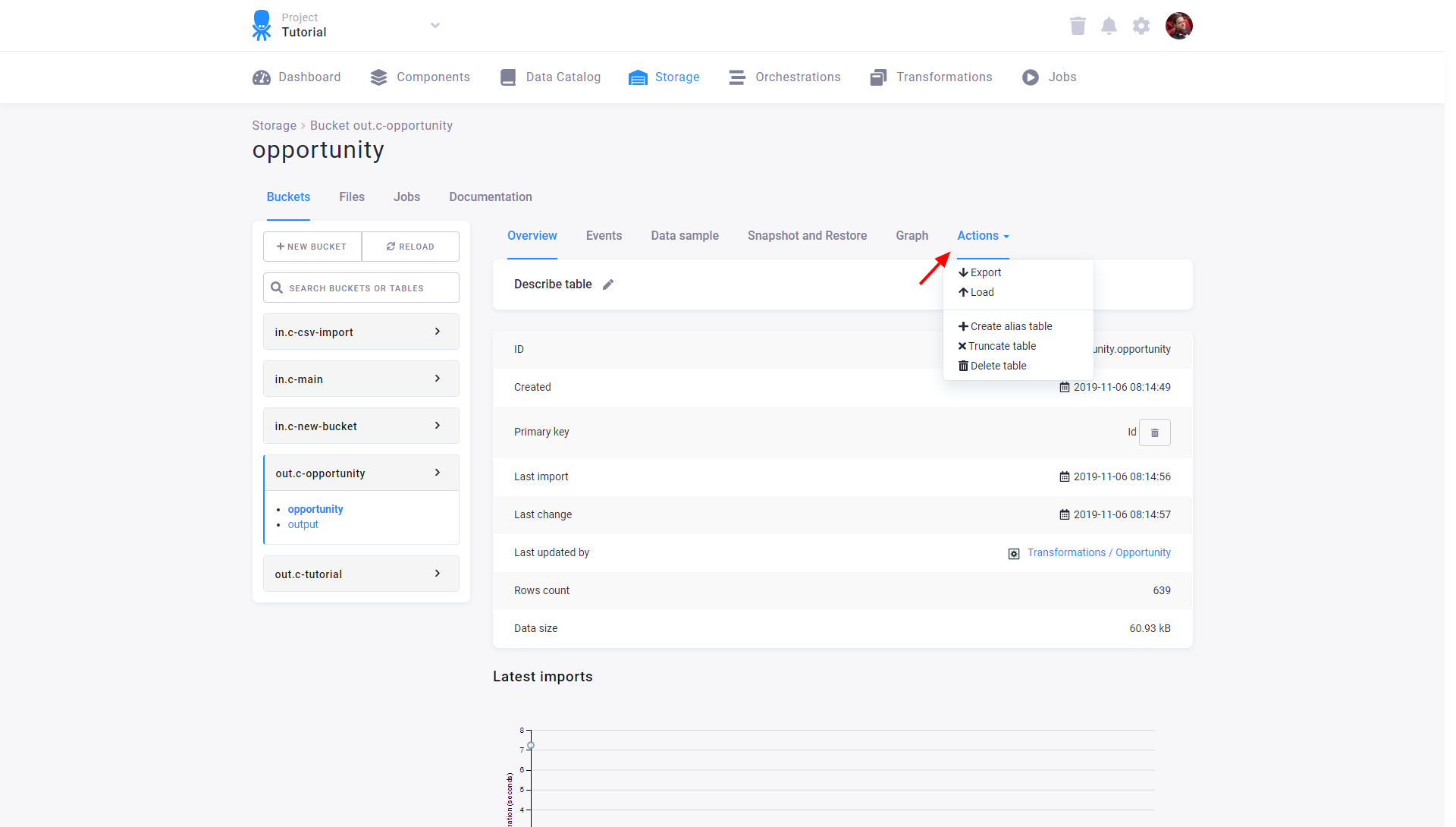
Every time a table is exported from Storage, the process is reversed: first, a file is created in Files and then it is actually downloaded from there. This does not apply when exporting Storage tables manually though. Beware, however, that due to the nature of database exports, the exported table may be sliced and require substantial effort to reconstruct. To make sure your tables are exported as merged files, always use the Export table option in the three-dots menu of the table detail: